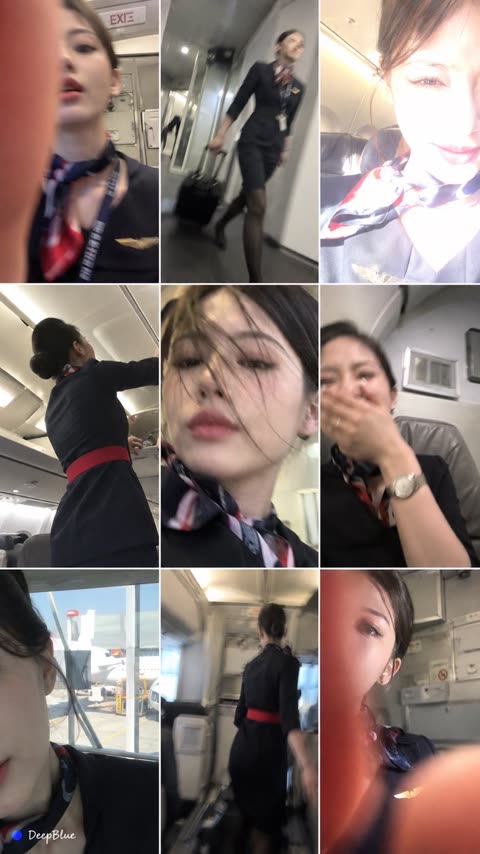
Nine failed photos of any character
Seven words. The author's point: fewer restrictions give more authentic-looking mistakes.
PROMPT LIBRARY
Each prompt is quoted word for word from the model maker's guide or from a creator's post, next to the output it produced. Click a picture to watch or view the original.
Maintained on GitHub: awesome-image-video-prompts awesome-prompts
Seven words. The author's point: fewer restrictions give more authentic-looking mistakes.
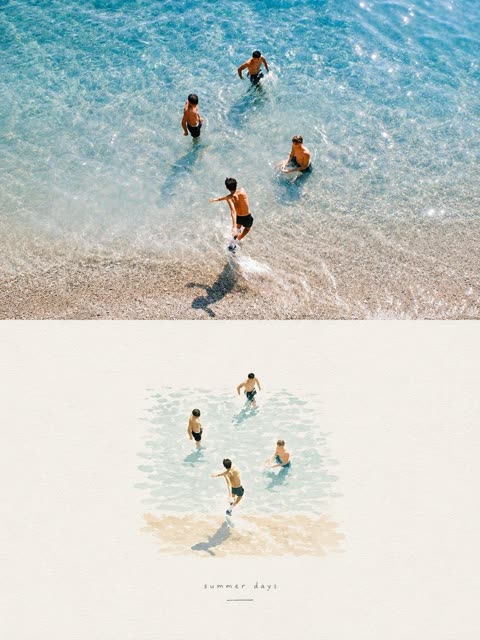
A vertical split where the photo dissolves into watercolour. Works in Gemini, Grok and ChatGPT, per the author.
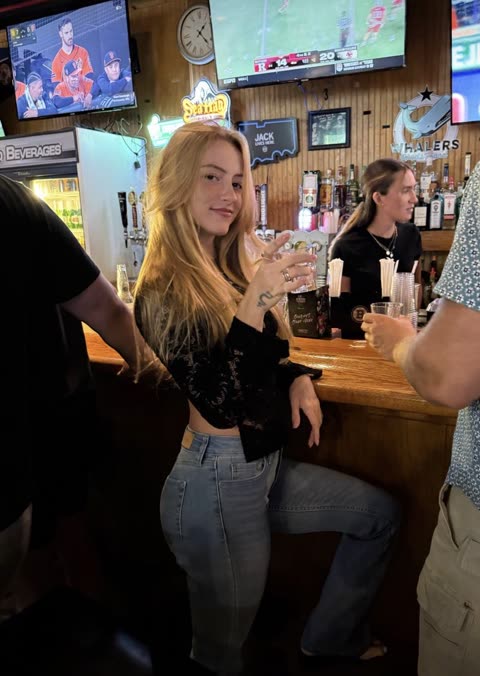
A fill-in template: swap `[PERSON / SUBJECT / MOMENT]`. Keeps the subject recognisable while dropping the photographic background.
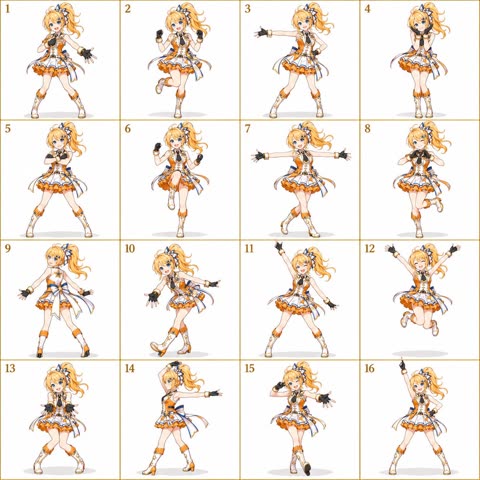
Locks identity to one uploaded reference, then scripts sixteen numbered moves from opening pose to finishing silhouette so the grid reads as one routine. Fixed camera, white background and an explicit avoid list keep scale, costume and panel layout consistent.
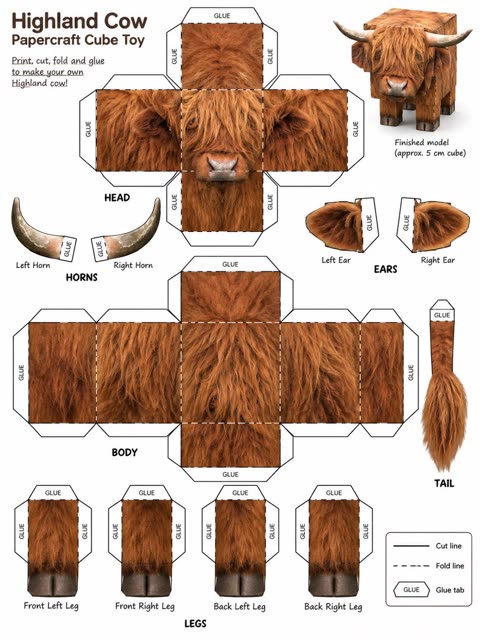
The prompt fixes the source photo as the only reference for the animal and lists each flat piece with folds, tabs and cut edges. A closing list of things not to change keeps the animal's identity and fur texture intact.
Opens by forbidding collages, one poster per photo, and closes with a row of mood words the result should feel like.
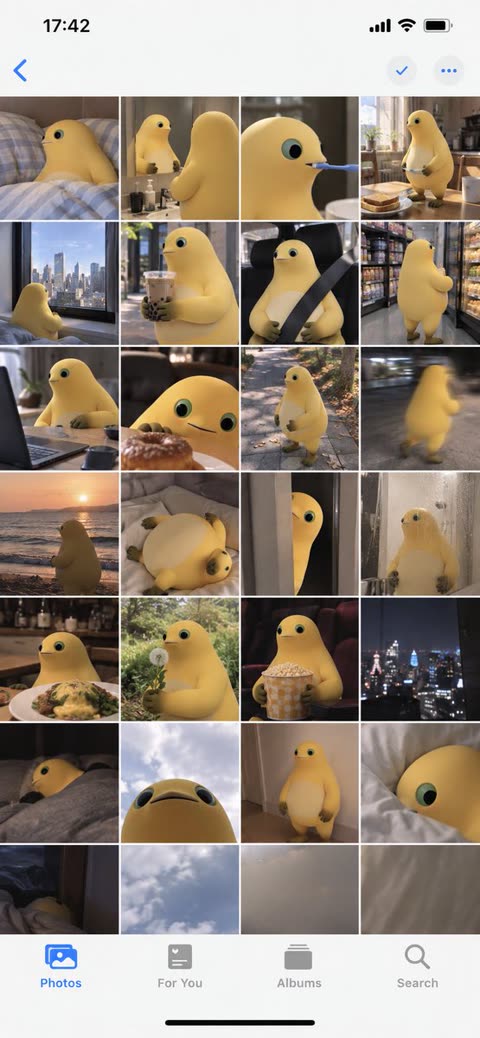
Same idea with stricter rules: the upload is the only subject, and only minimal iOS chrome may appear.
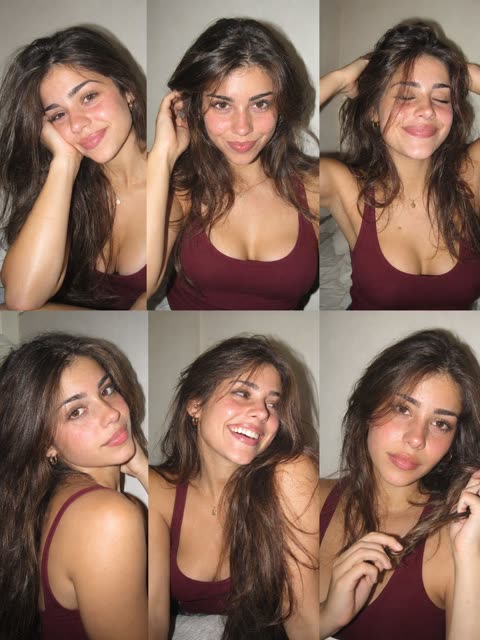
Describes the person once in detail, then six shots. Asks for no gutters so the grid reads as one seamless image.
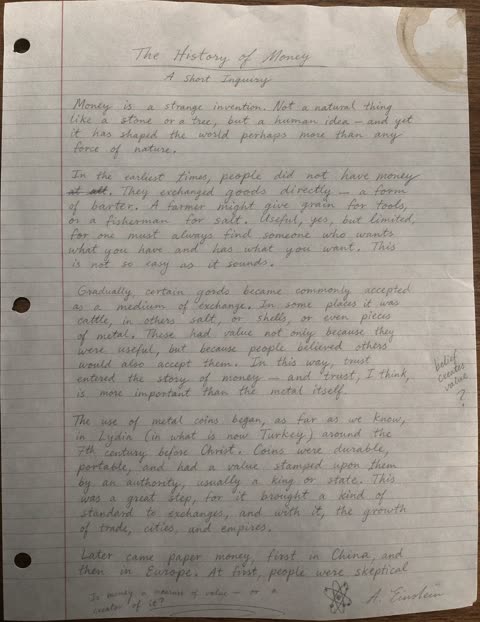
The prompt fixes the medium (pencil on 8.5x11 lined paper) and the capture method (phone photo). It asks for stroke variance and one small flaw, a coffee stain in a named corner, which gives the realism.
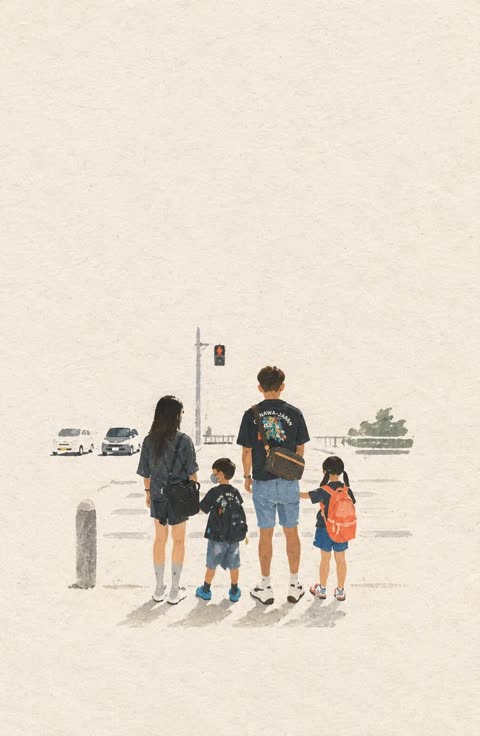
Organised under headings (composition, palette, texture). Ends by naming the reference point: an independent art-book cover.
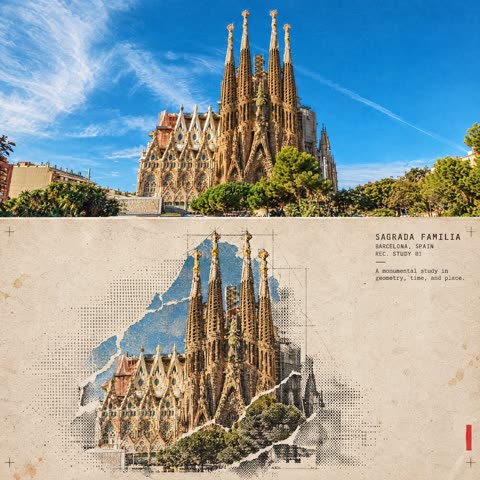
Long spec with a closing priority rule: architectural accuracy first, the halftone treatment second.
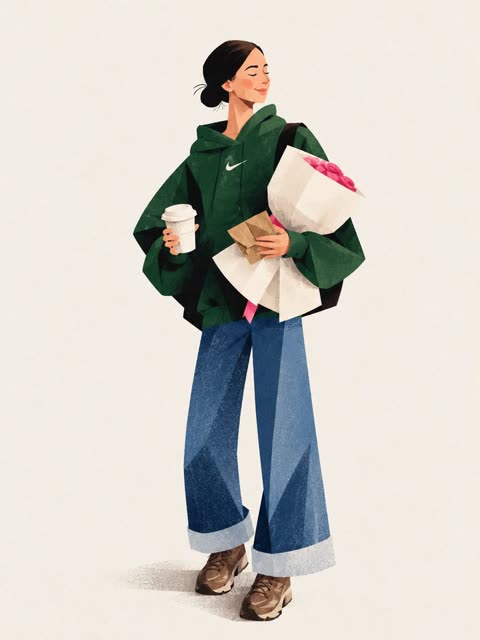
Outfit described item by item, then a short ban list that rules out photorealism and 3D.
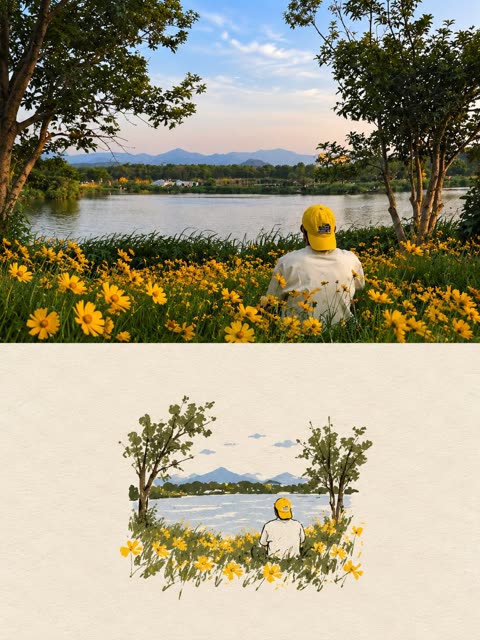
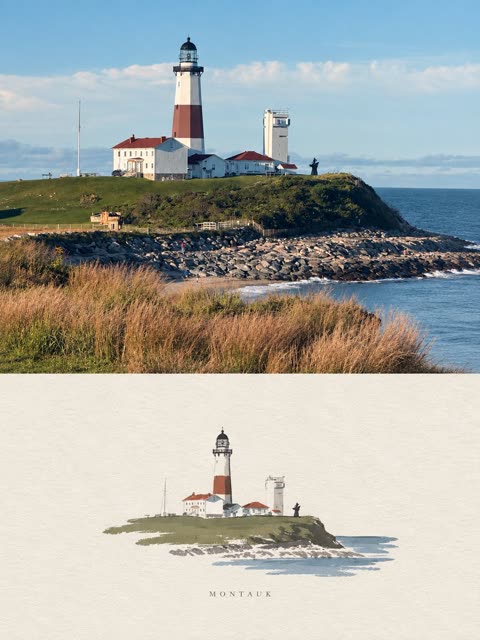
A strict 50/50 split keeps the top as a faithful photo and turns the bottom into a small centered handmade illustration of the same scene. Capping the palette at 4 colors extracted from the photo, plus generous paper negative space, ties the two halves together.
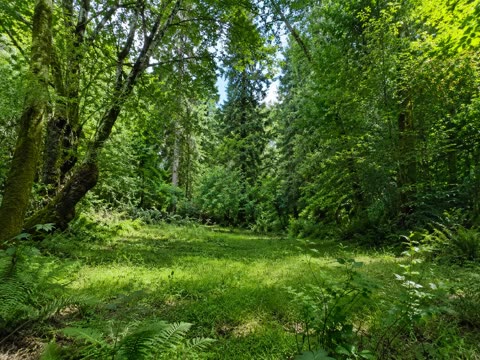
A single plain sentence that names the subject, the photo medium, and a highly detailed cue works as a noise artifact test, because dense repeating foliage exposes texture smearing and grain. The short wording leaves the model free to choose light and composition.
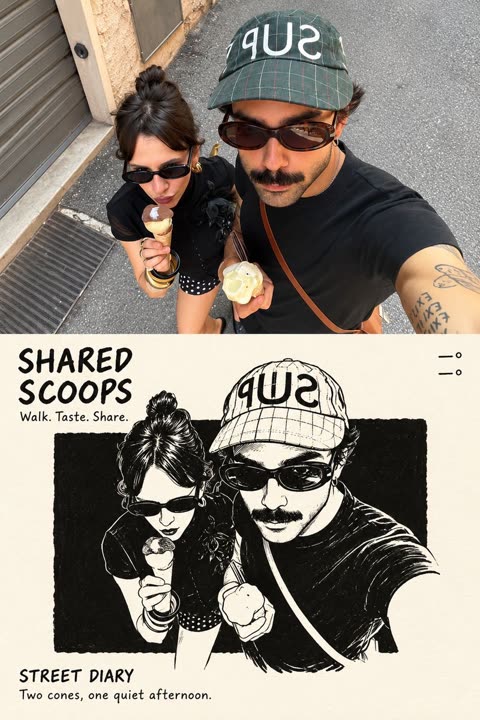
Asks for an exact 50/50 split, then specifies how each half treats the same subject.
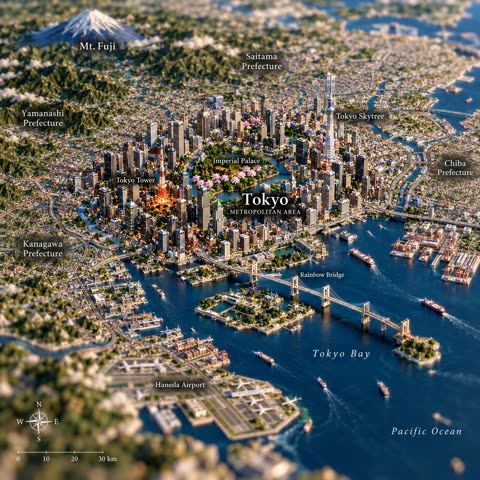
Swap `[COUNTRY]` and `[CITY]`. Optional landmark slots at the end let you steer what appears.
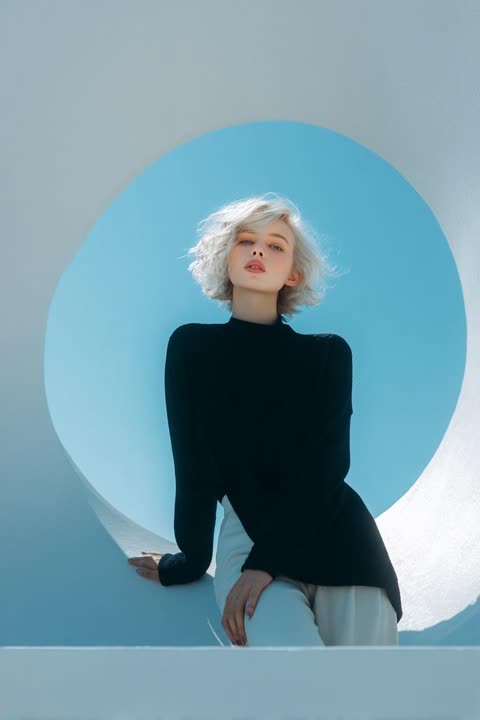
The prompt is split into labeled blocks for scene, outfit, pose, lighting, palette and photography style. Naming a lens, a medium-format look and a cool-versus-warm light split keeps the high-end editorial feel consistent.
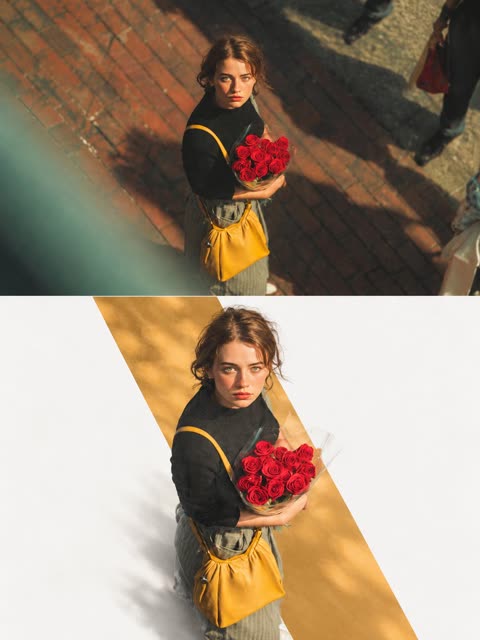
The canvas is split into two exact halves. The top keeps the original photo untouched, and the bottom rebuilds the subject over one low saturation color window sampled from the photo. The subject crosses the window edge into white negative space, which gives depth and avoids a sticker look.
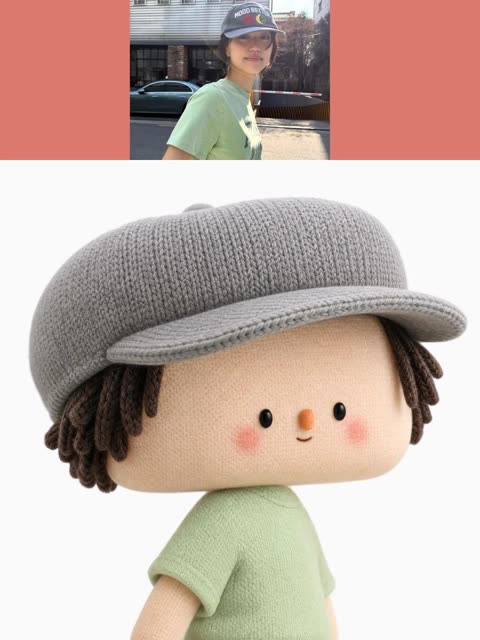
Very long material spec (yarn, stitches, felt) with a final rule not to invent anything the photo does not show.
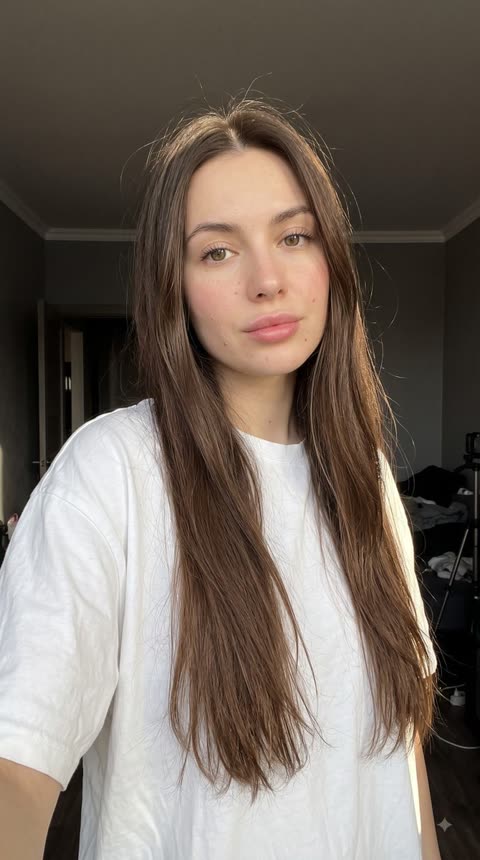
Structured as JSON fields (framing, light, colour, negatives). The post compares the same JSON on Nano Banana 2.1 and GPT Image 2.5.
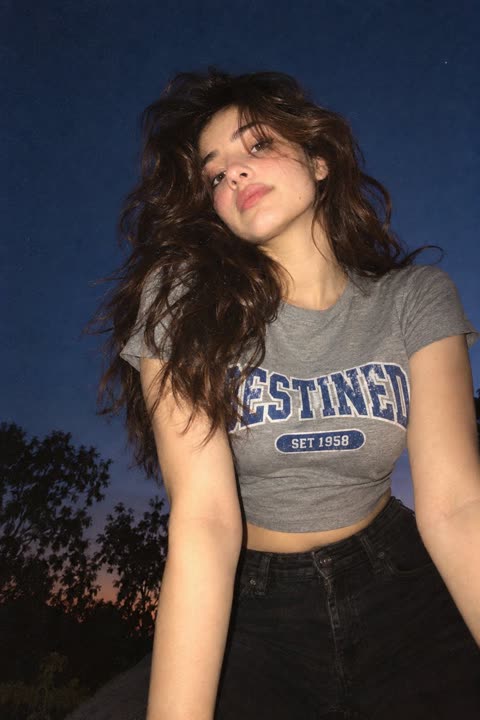
Under 600 characters. Camera angle, clothing detail, one light source, one film look.
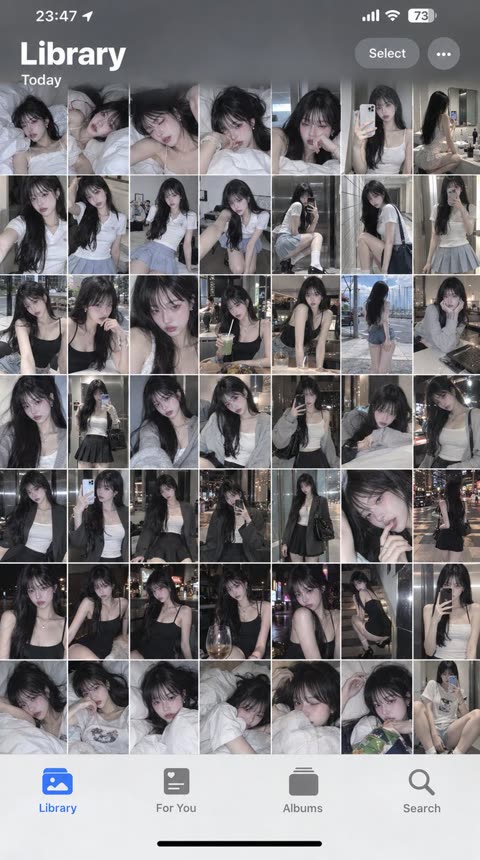
Recreates the real iOS Photos interface down to the status bar, filled with candid shots of the reference person.
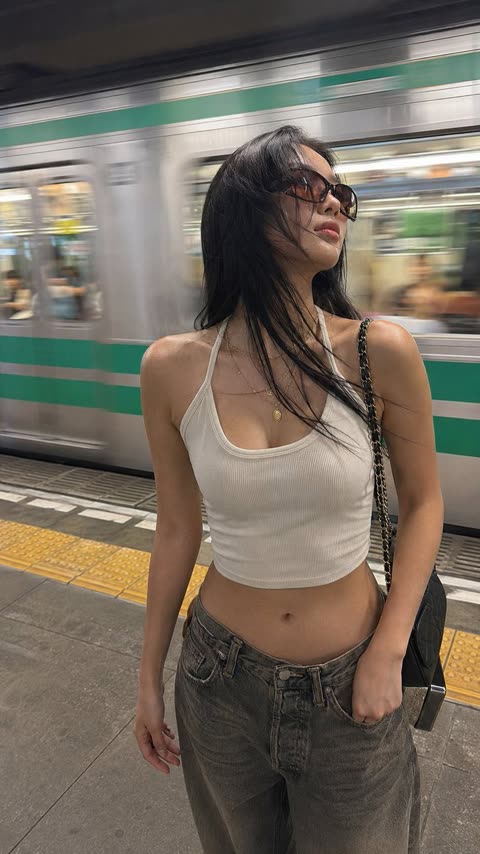
Realism through phone-camera flaws: motion blur on the train, real mobile noise, slight wide-angle distortion.
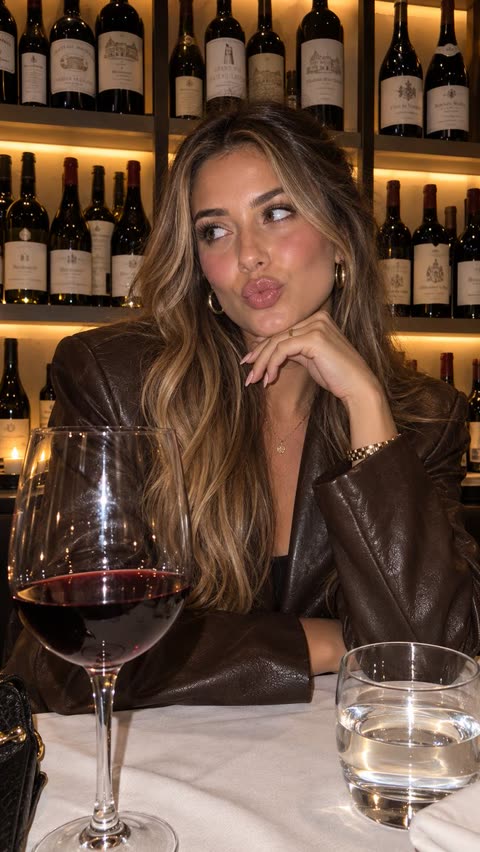
A reference photo is first analysed into a detailed JSON of color grading, lighting and exact colors. That JSON plus an attached product image then drives the generation, which avoids the flat AI look and keeps the style consistent.
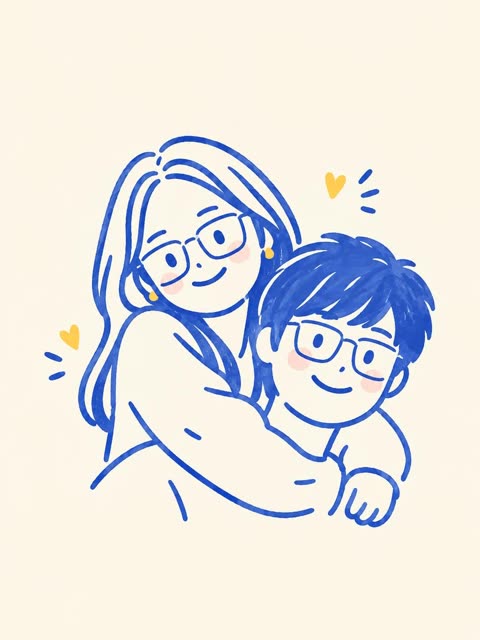
The prompt says what to preserve (people, pose, composition) and then simplifies the style with a tight palette of cobalt outlines, peach blush and golden hearts on cream paper. Negative constraints such as no gradients, no shading and no textures keep the result flat and hand drawn.
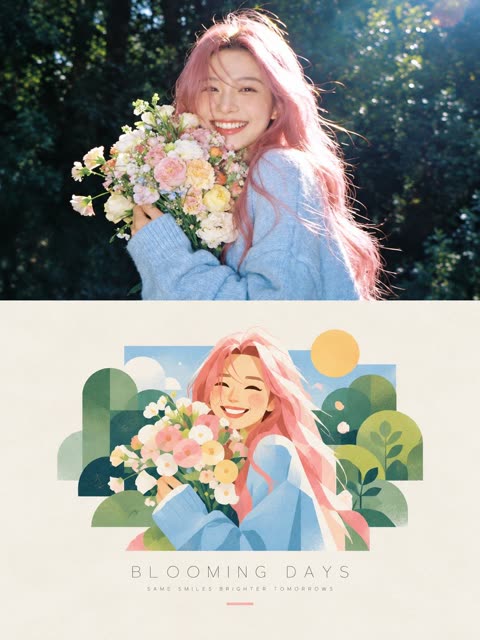
Fill `[SUBJECT]` and `[SETTING]`. The ban list covers the usual split-poster failures: heavy borders, mismatched faces.
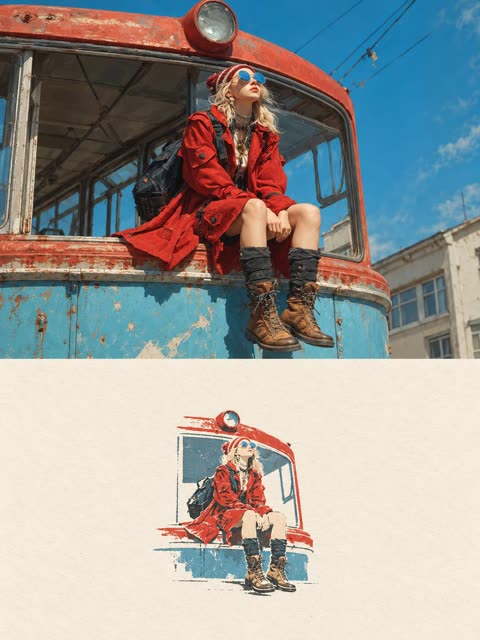
The prompt splits a 3:4 canvas into two equal halves, with the original photo kept intact on top and a tiny four color paper illustration below. Capping the illustration at 10 to 20 percent of the bottom half and demanding warm off white negative space gives it an art book cover feel.
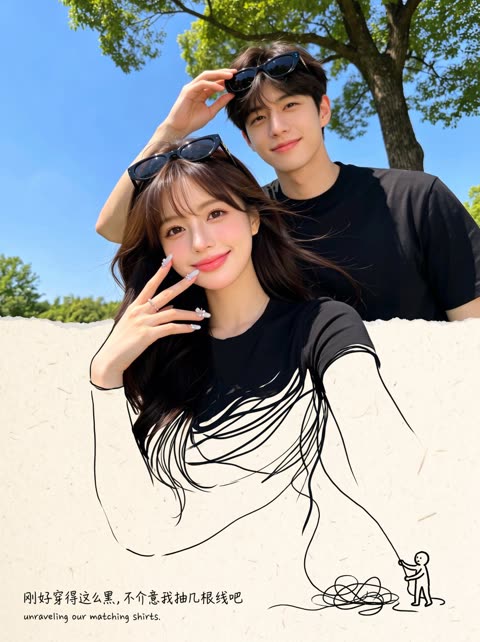
A versioned JSON prompt (v1.2) written by @hx831126 and shared by @Just_sharon7. Includes its own self-check for seams and text.
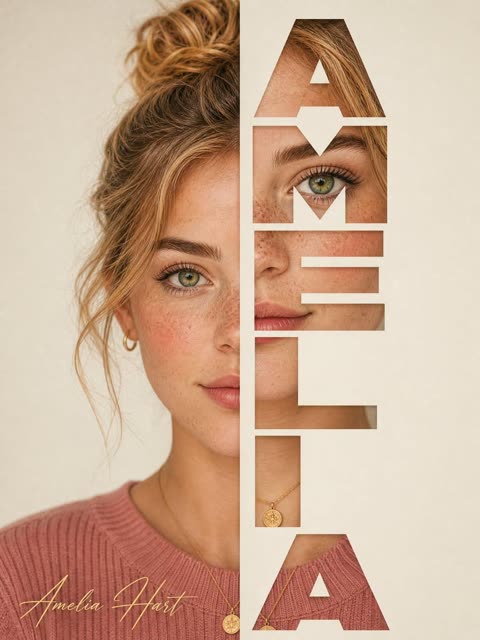
Each letter of the name hides part of the other half of the face. Fill in name, backdrop and lighting.
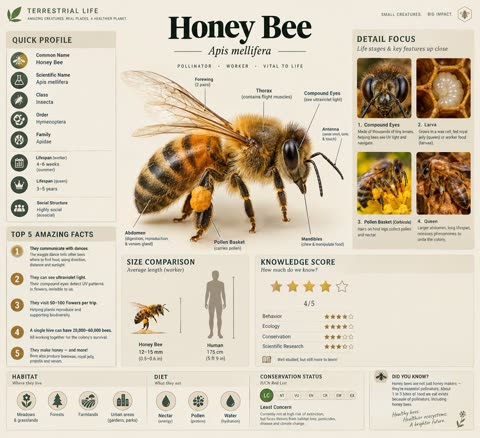
A subject placeholder lets one template cover any species. It names every module (profile sidebar, facts list, size chart, rating, habitat icons, status slider) and fixes the palette to soft beige for a journal look.
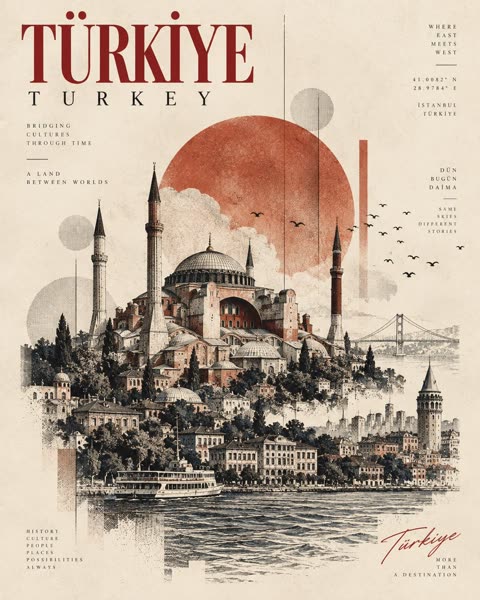
A fill in the blank template swaps in the landmark, city and coordinates while fixed style terms keep the look consistent. Ivory paper, hatching, halftone, geometric shapes and a 4:5 ratio give the print feel.
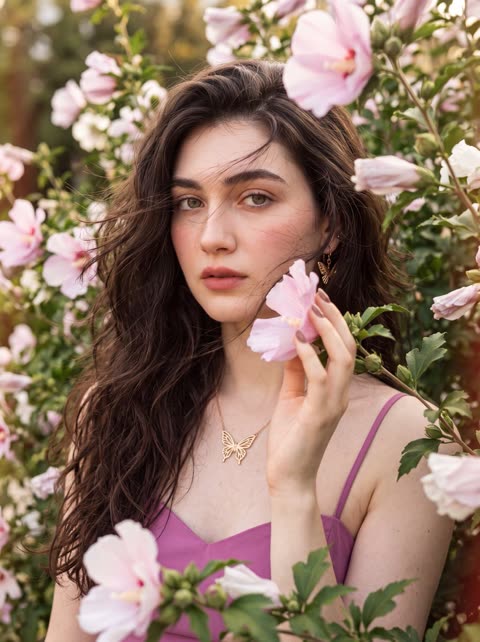
Shooting through foreground petals at eye level builds a natural floral frame, while hard rules like side part, one hand and head to chest crop keep the composition fixed. Film grain, halation and light leaks plus a long negative list steer the result away from a polished studio look.
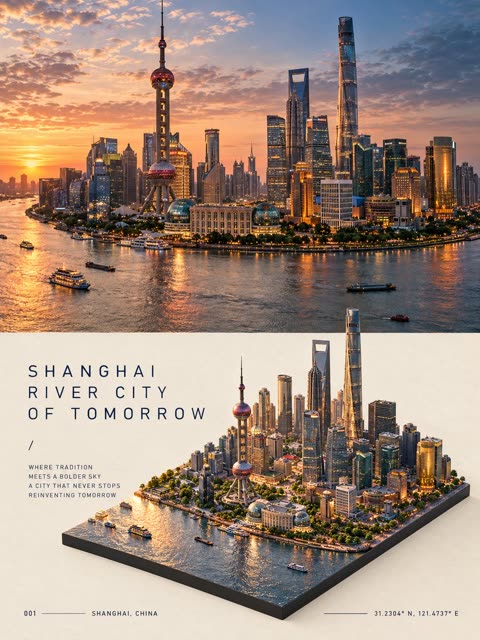
The poster is split into two stacked halves, a photoreal destination scene on top and an isometric diorama of the same scene on a dark slab below. Continuity rules, a bracketed location slot and fixed typography blocks with warm off white negative space keep the layout reusable for any city.
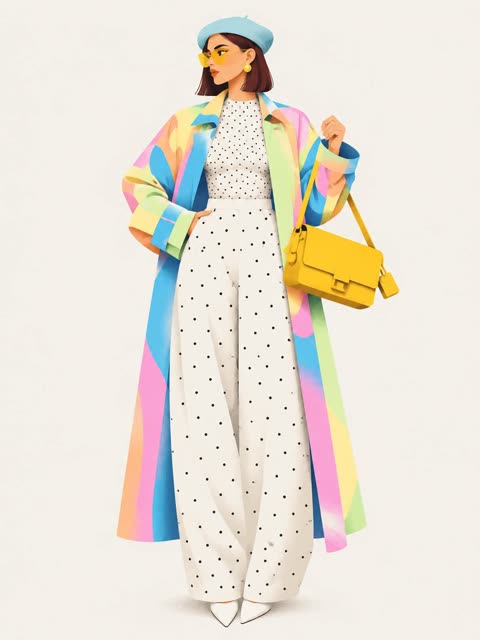
Same structure as the geometric one, with the medium swapped. Good pair for comparing styles.
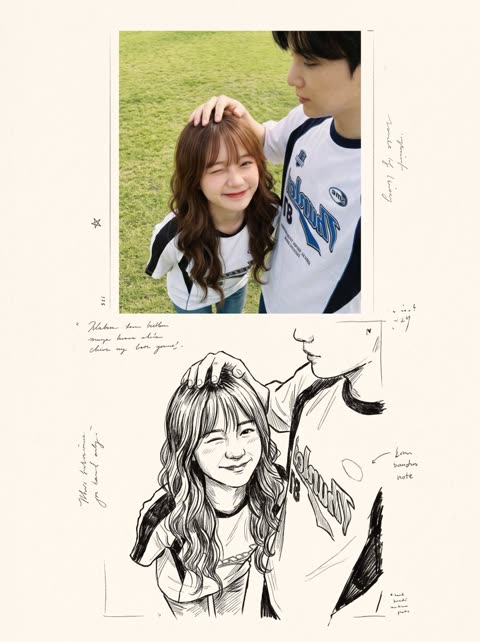
Keeps the original subjects and adds a sketched echo of them, laid out like a printed spread.
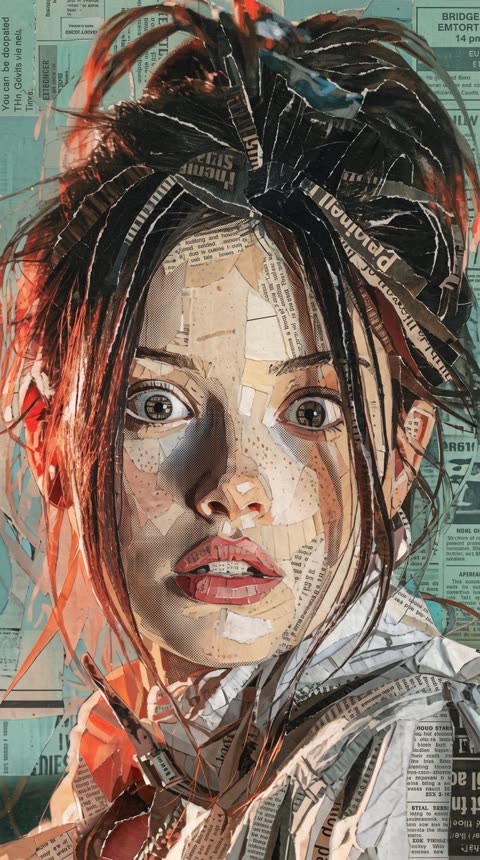
One sentence edit. Works on photos and illustrations alike.
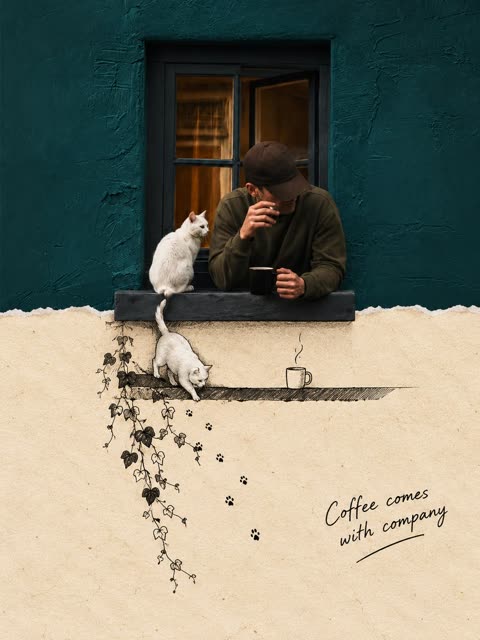
A split canvas makes one structure, here the windowsill, cross the seam so the photo continues as paper and line drawing. A torn edge follows the source shape, and a short handwritten caption closes the scene.
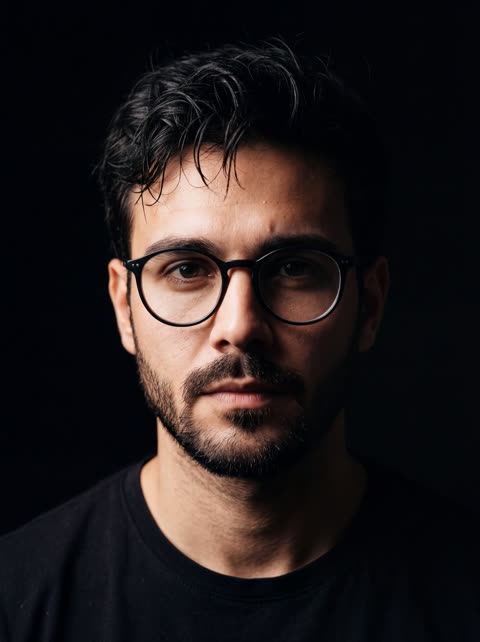
One light from the side and an explicit request for visible pores to keep skin from looking airbrushed.
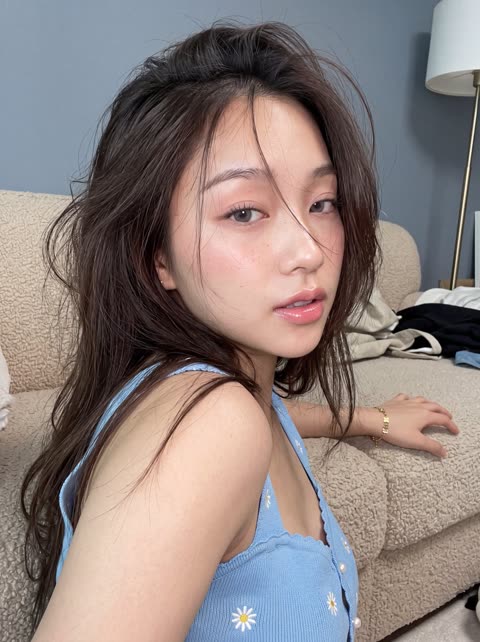
The prompt splits the brief into labeled blocks for pose, hair, expression, outfit, background and camera, and a tight crop that cuts off half the face keeps the framing intimate. A long negative list plus identity preservation from the attached photo keeps the face, neck and hands believable.
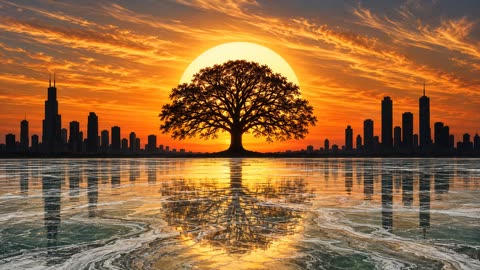
The prompt is split into labeled blocks for sky, sun, tree, city, water, reflection and palette, so each element gets its own placement rules. A long negative list and explicit rules such as buildings never overlapping the tree or sun keep the symmetrical composition intact.
Asks for an original mark that reads at small and large sizes, then spells out the transparent background: clean alpha edges, no backdrop, no checkerboard. Pair it with background=transparent in the API. Preview: the Sunburst variant.
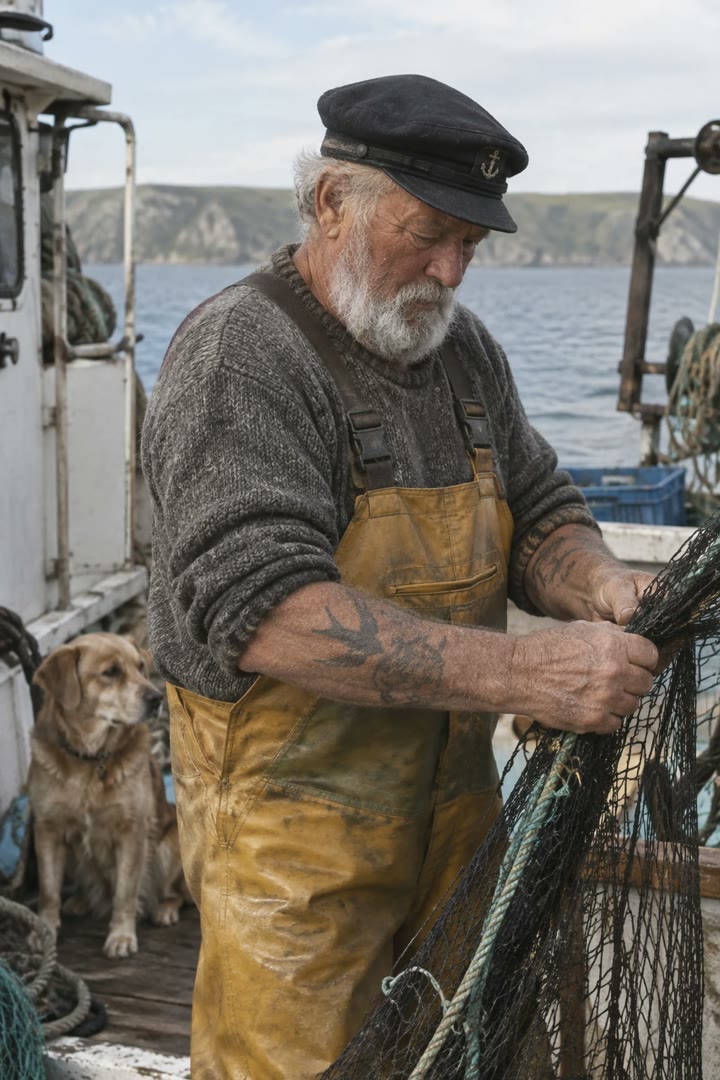
Skin texture, lens, light and grain are each named, and the last line rules out glamour and retouching, so the result reads as an unposed photo. Preview: the Sunburst variant.
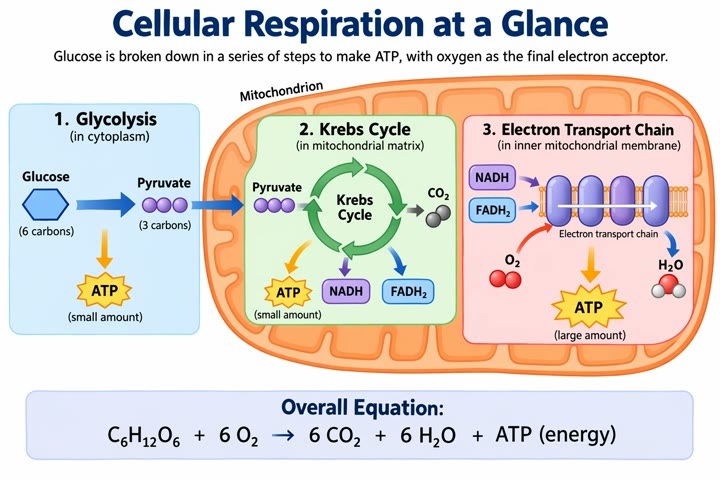
Written like a lesson brief: audience, title, required stages and every molecule to label, plus what to avoid. Use high quality for dense labels. Preview: the Sunburst variant.
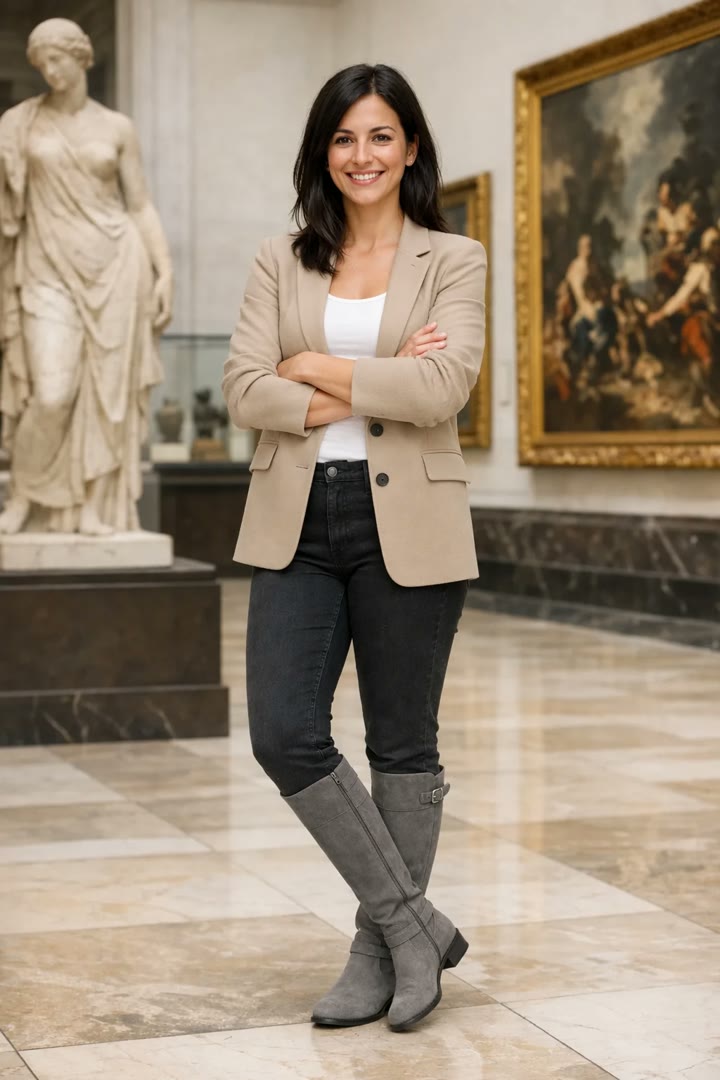
Lists everything about the person that must stay fixed, then allows only the clothing to change and asks the lighting to match. The same pattern keeps a product recognizable. Preview: the Sunburst variant.
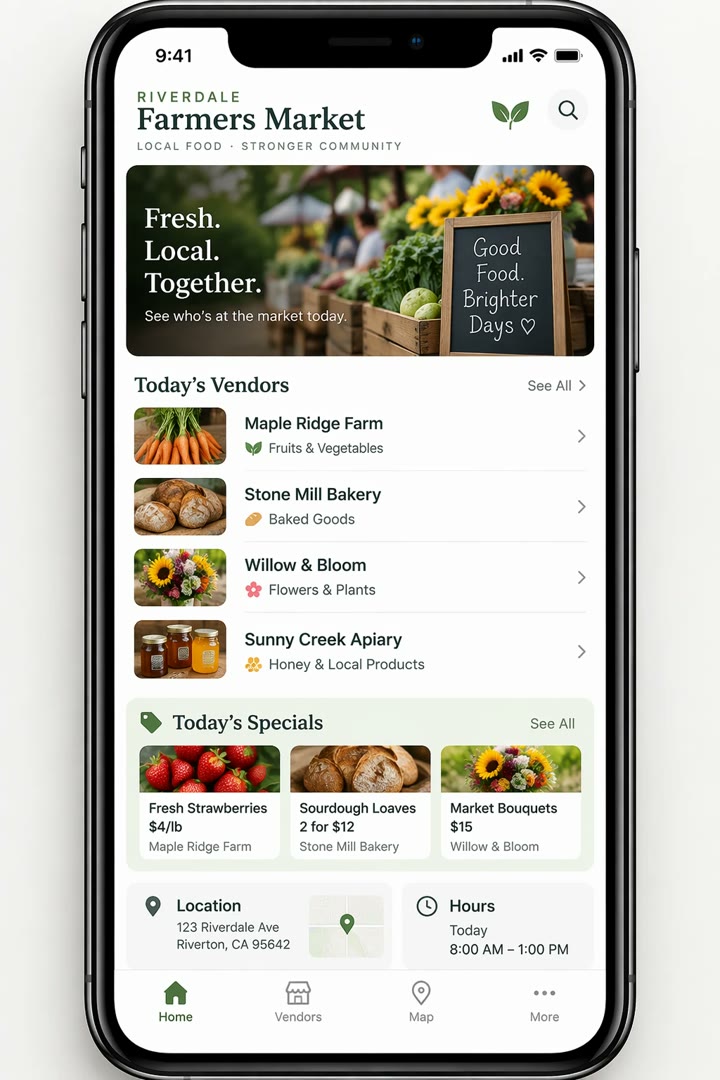
Describes the app as if it already ships: real sections, hierarchy and spacing, no concept-art words. That keeps the result looking like a usable interface. Preview: the Sunburst variant.
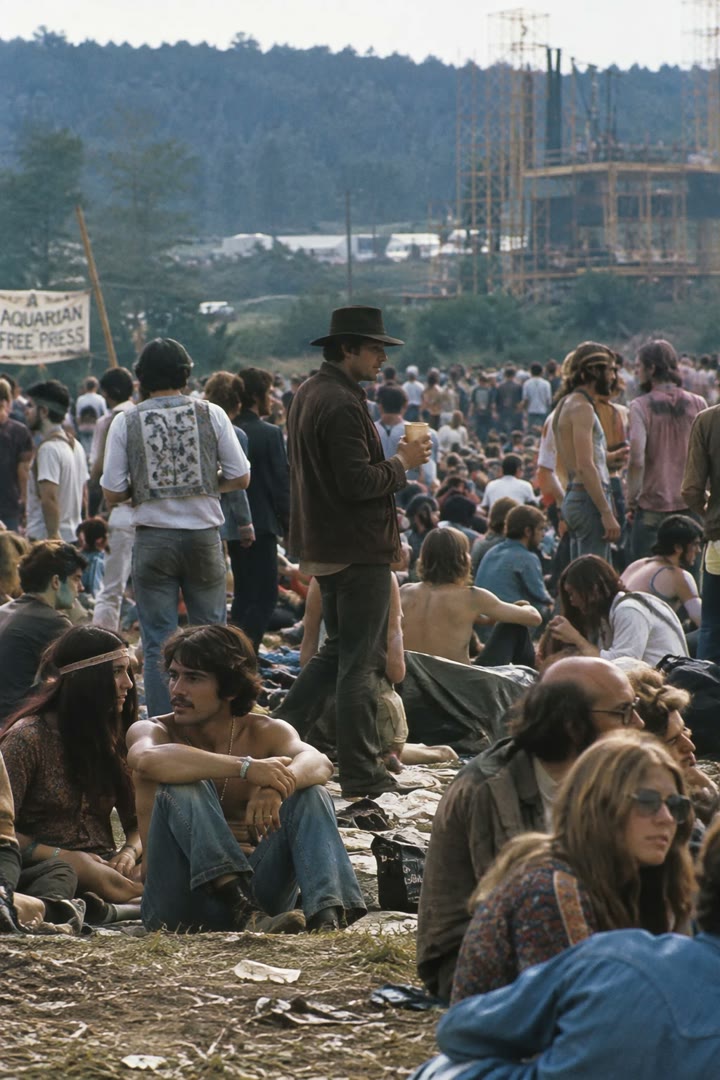
A place and a date are enough for the model to infer clothing, staging and setting. Inspect the result for period accuracy. Preview: the Sunburst variant.
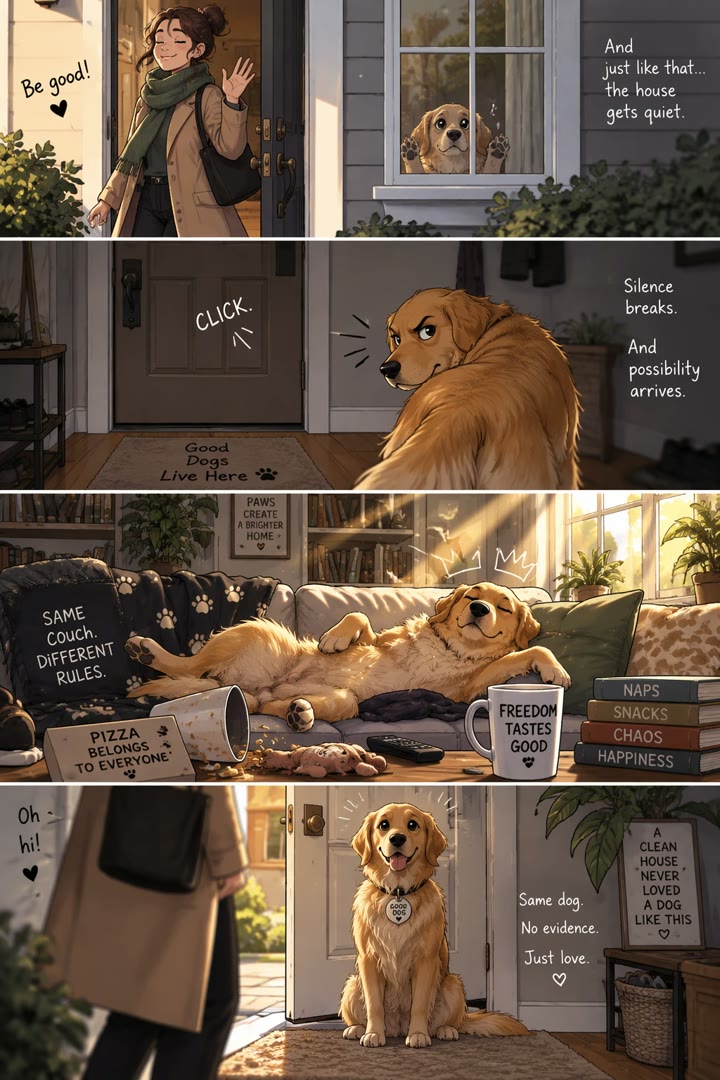
One concrete visual beat per panel, written as action and framing, gives a readable comic with a clear setup and punchline. Preview: the Sunburst variant.

Uses product photography cues for materials, lighting and label printing, keeps the design original, and fixes the packaging text verbatim. Preview: the Sunburst variant.
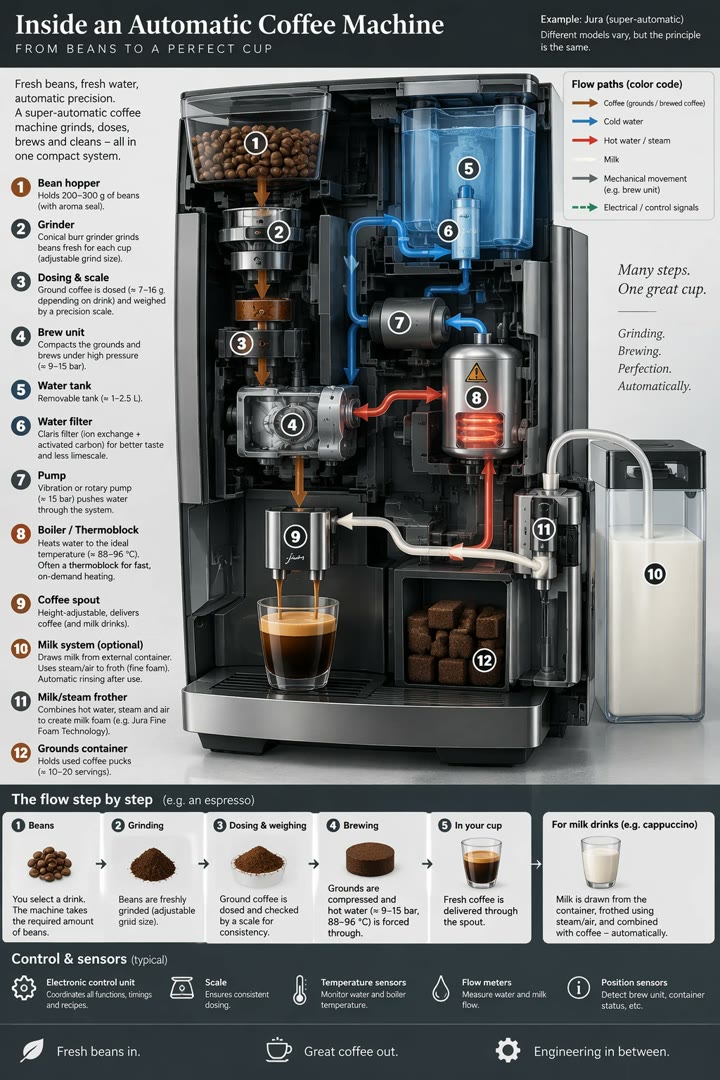
Three plain sentences name the machine, the parts in order and the goal of understanding the flow. The model fills in layout and labels; check the labels for accuracy. Preview: the Sunburst variant.
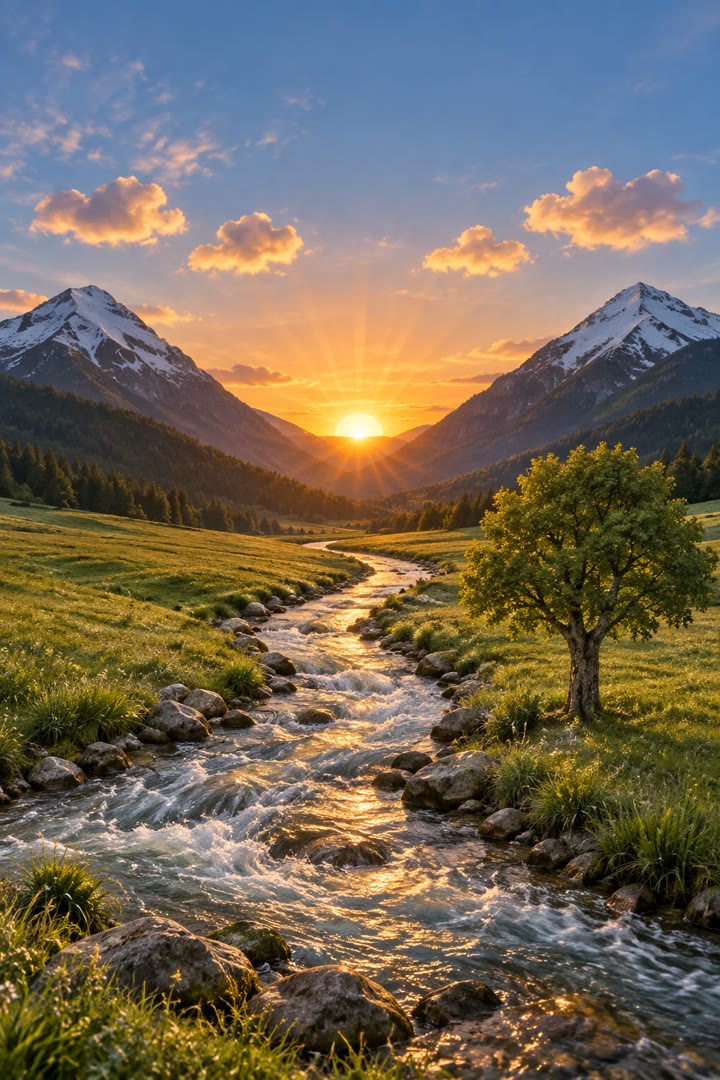
Locks layout, proportions and perspective, lets the model choose materials and light, and bans new elements so it does not reinterpret the sketch. Preview: the Sunburst variant.
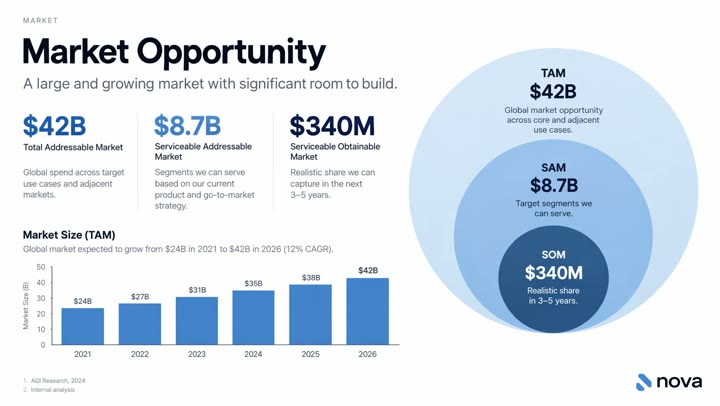
Written as a slide spec with the actual numbers, chart type, footnotes and logo slot, plus a list of things to avoid. The figures are sample data; replace them before use. Preview: the Sunburst variant.
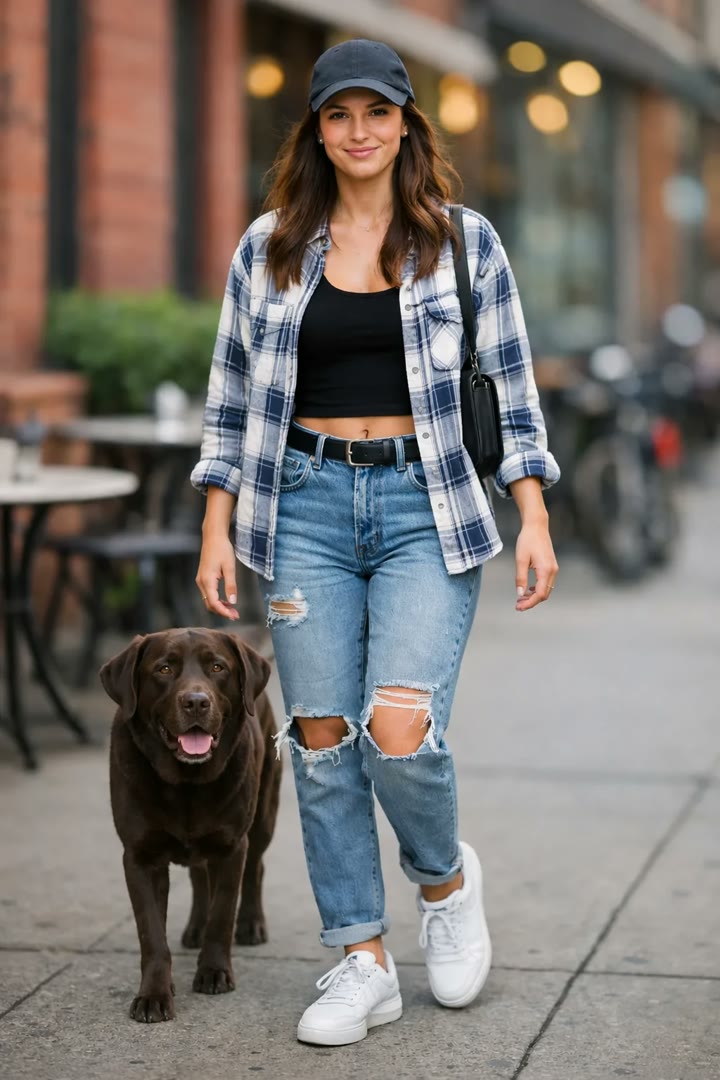
Images are named by number, with what moves, where it goes and what stays unchanged. Preview: the Sunburst variant.
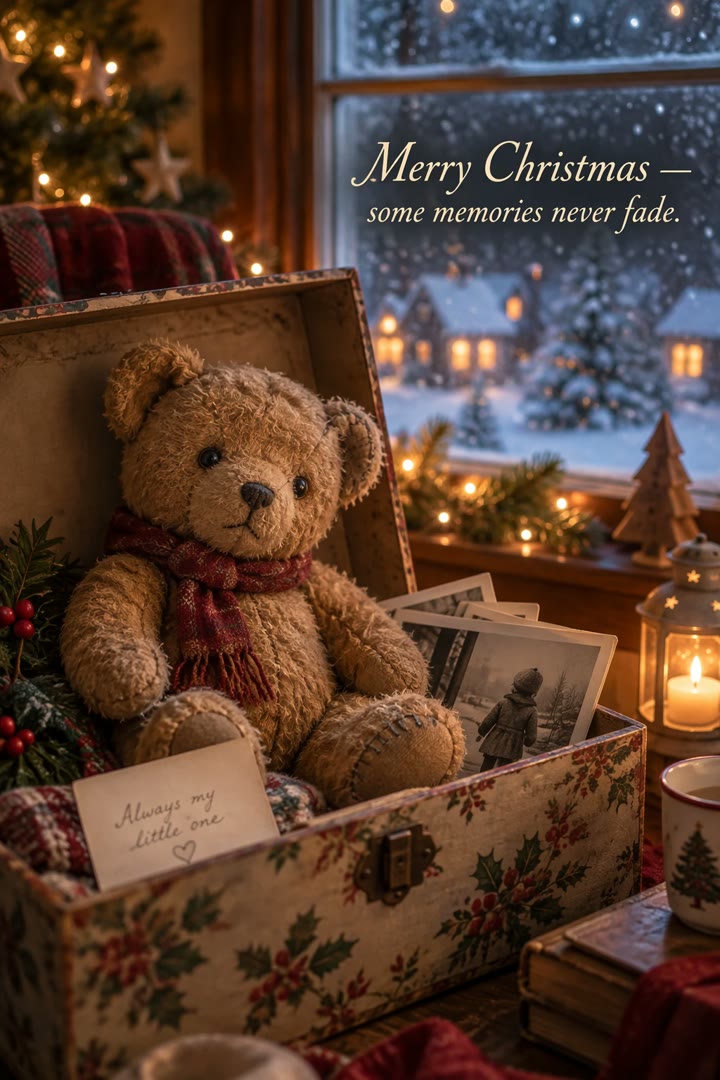
Scene, mood, style and constraints are labeled blocks, and the card text is given verbatim as the only text allowed. Preview: the Sunburst variant.
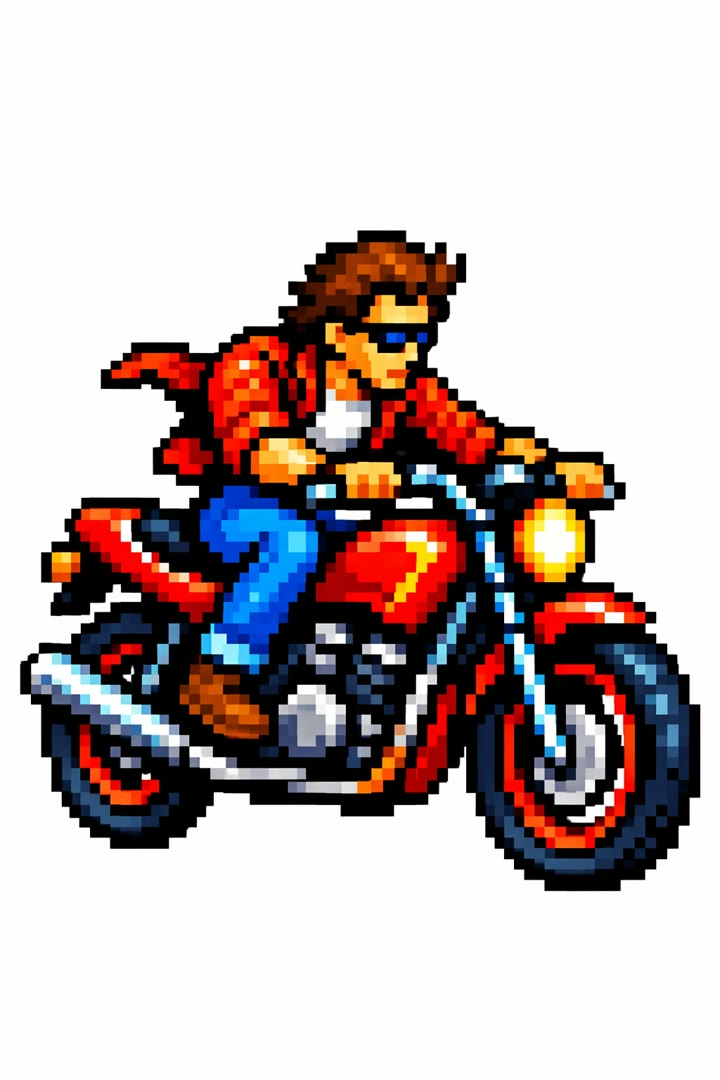
The reference image is used for style only, and the new subject is described separately, so the palette and pixel grid carry over without copying the scene. Preview: the Sunburst variant.
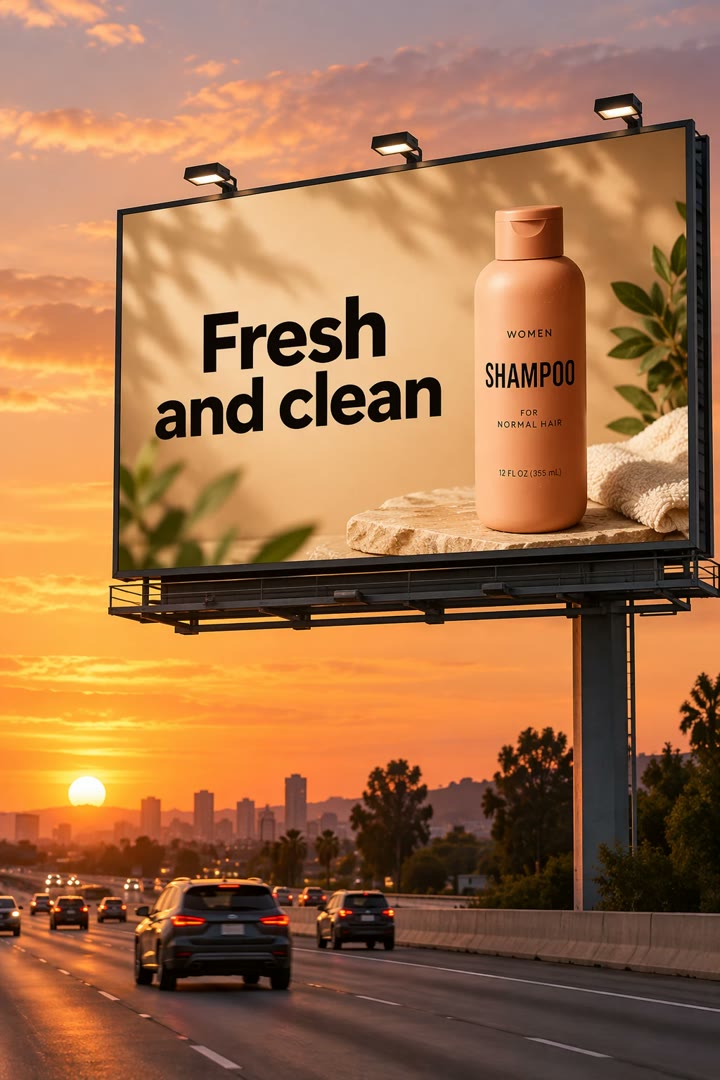
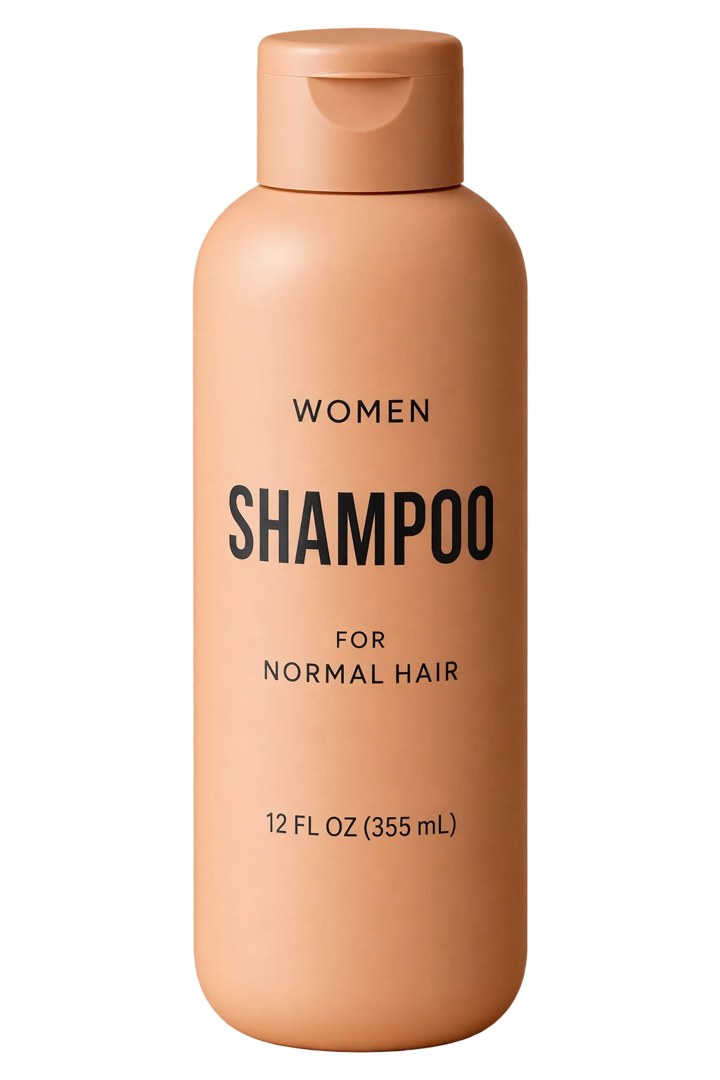
Puts the product from a photo onto a billboard and quotes the copy as exact and verbatim, with typography and a rule that it appears once. Preview: the Sunburst variant.
Asks for a crisp silhouette with no halos, exact geometry and legible labels, and bans backdrops and drawn checkerboards. Use PNG or WebP with background=transparent. Preview: the Sunburst variant.
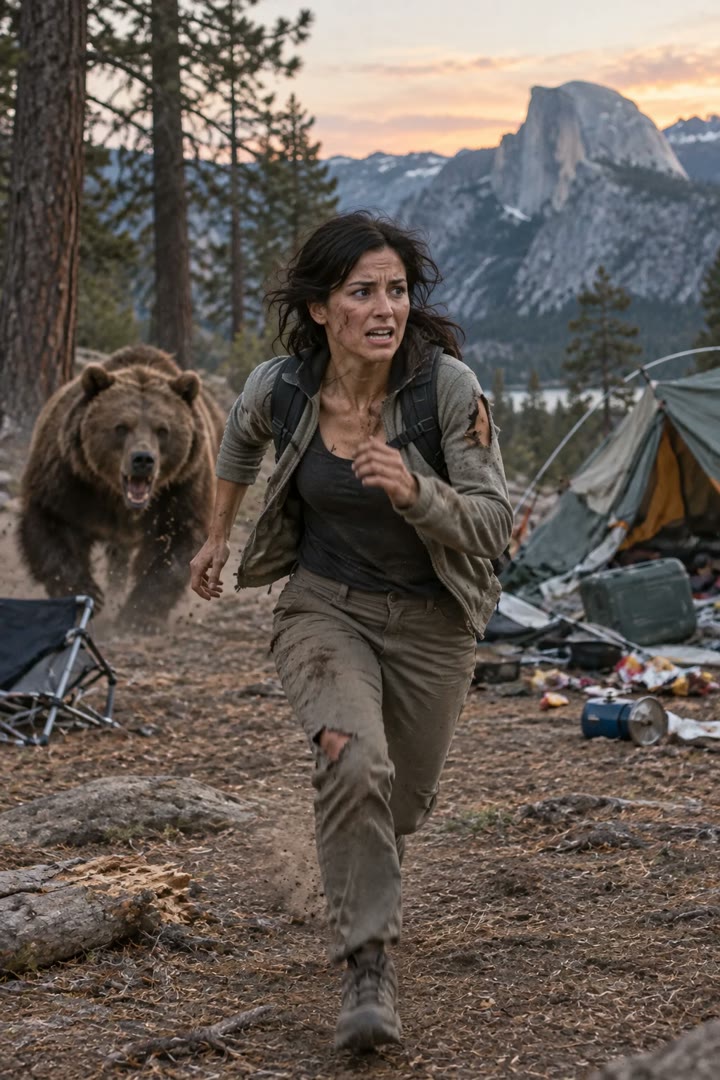
Describes pose, gaze, clothing, place and time of day, and keeps asking for an unstyled real photo instead of a movie poster look. Preview: the Sunburst variant.
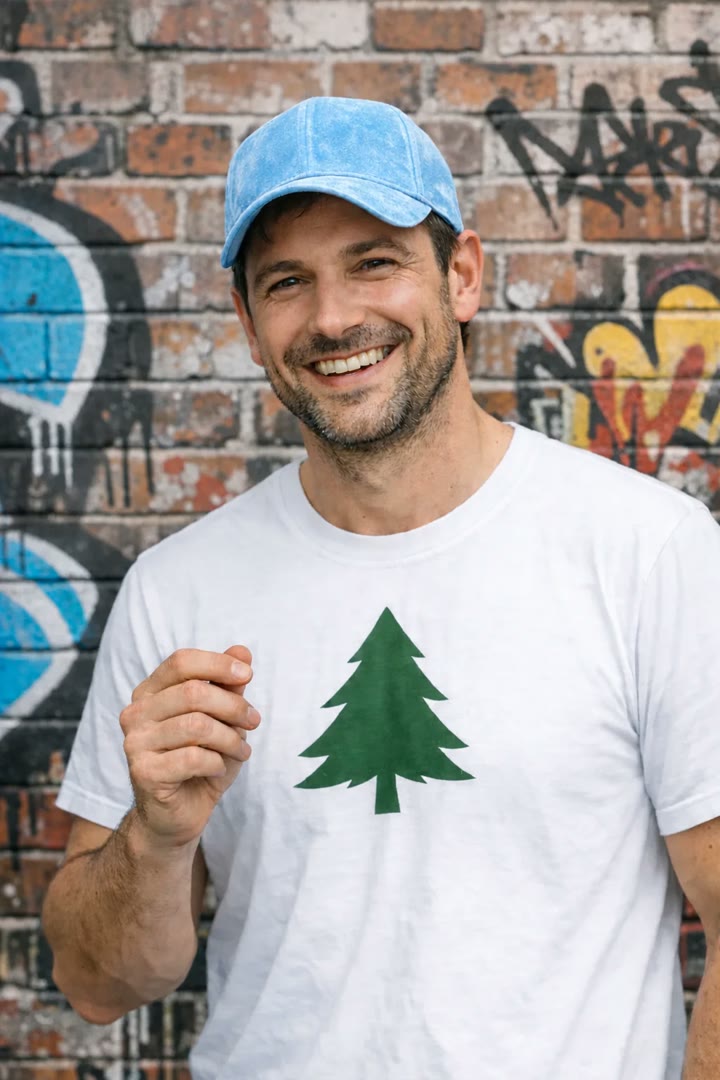
Names the one object to remove and says nothing else may change, which keeps the edit local without a mask. Preview: the Sunburst variant.
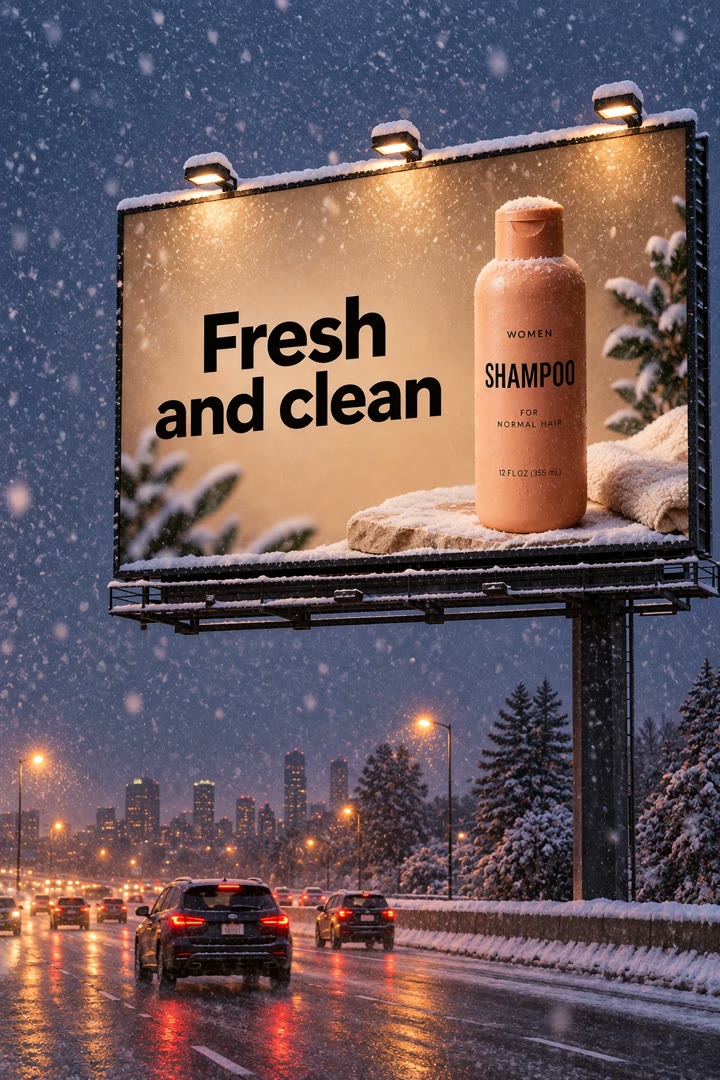
The previous output goes back in with one short change. Narrow follow-ups show which change helped. Preview: the Sunburst variant.
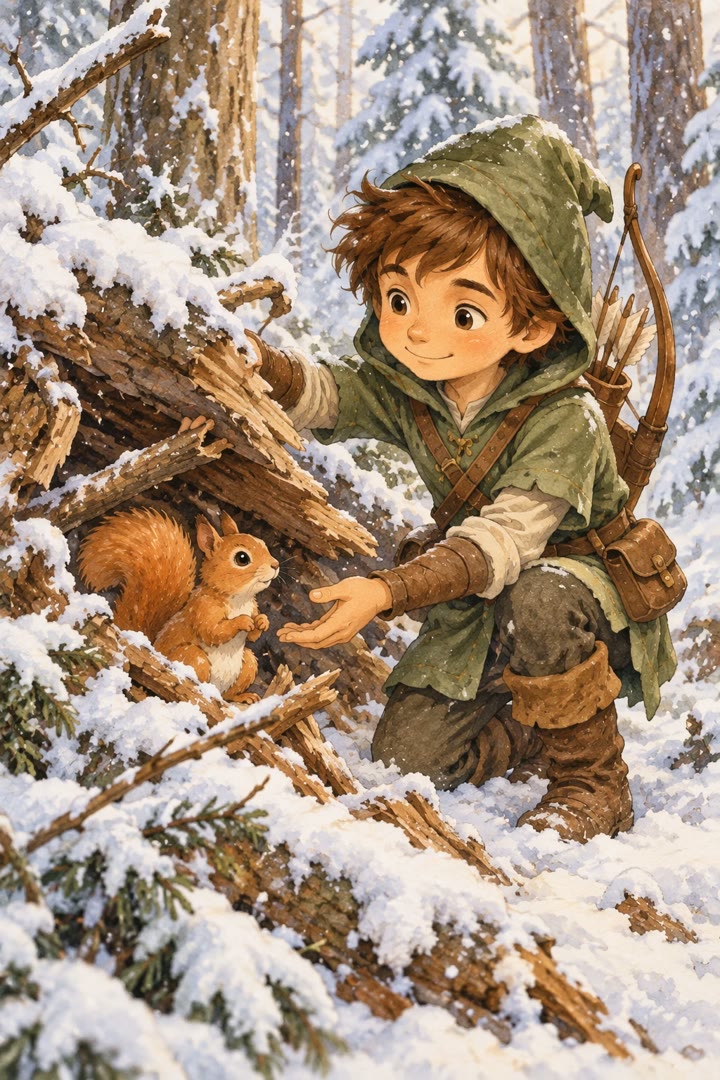
Feeds the character image back in and repeats its defining details under Character Consistency, so the outfit and face stay the same in a new scene. Preview: the Sunburst variant.
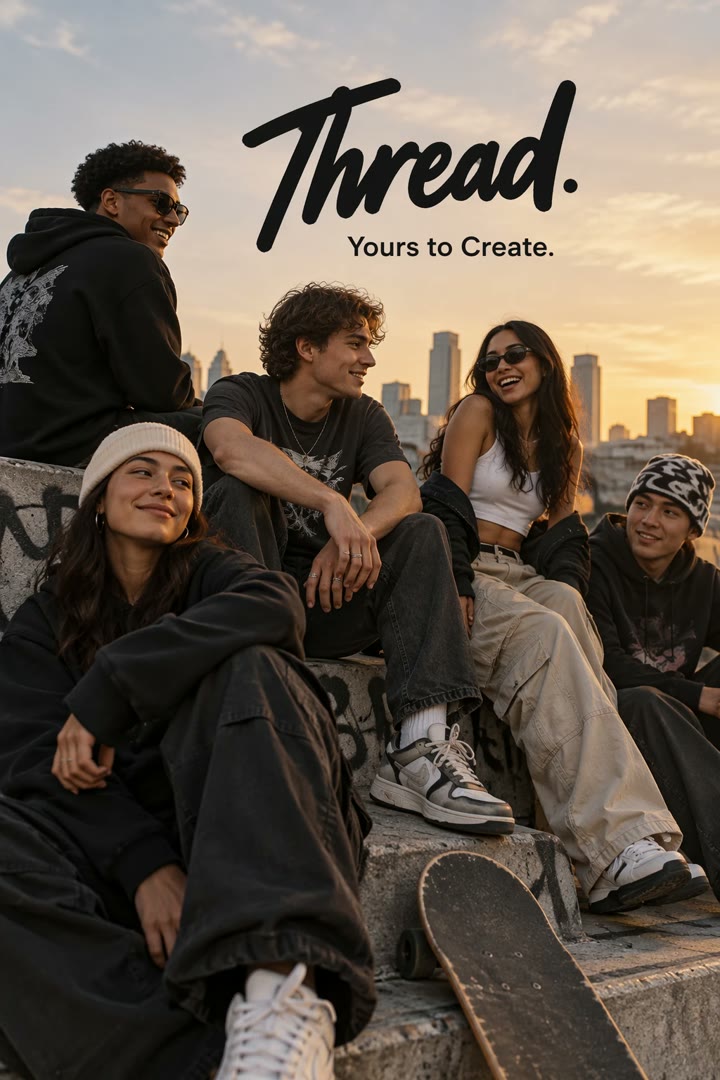
The tagline is quoted and the prompt asks for it exactly once, then bans extra text, watermarks and unrelated logos. This is the pattern for any ad with fixed copy. Preview: the Sunburst variant.
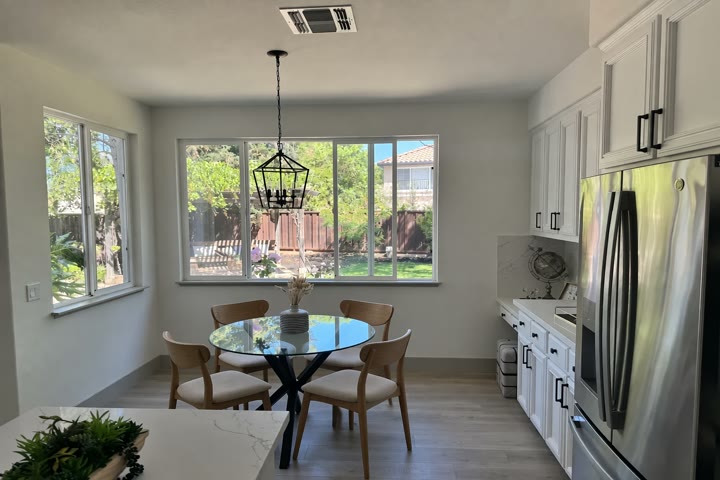
Writes ONLY in capitals for the one object to replace and lists what to preserve: camera angle, lighting, floor shadows and surrounding objects. Preview: the Sunburst variant.
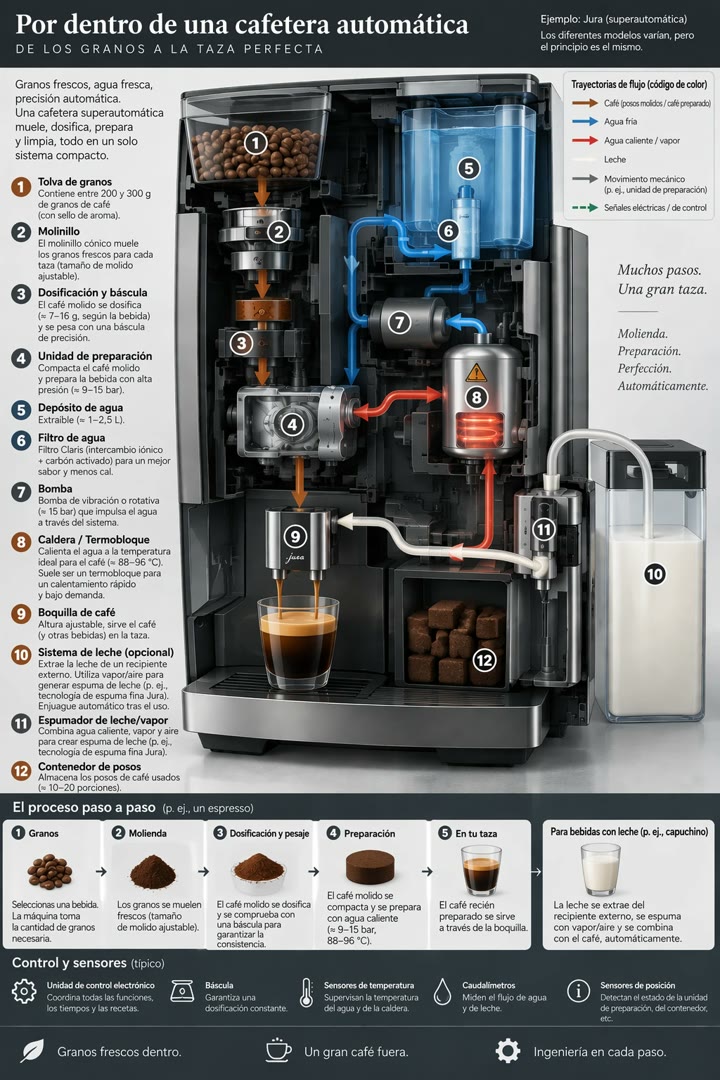
A one-line edit on the coffee machine infographic. Check the output for words left in the original language. Preview: the Sunburst variant.
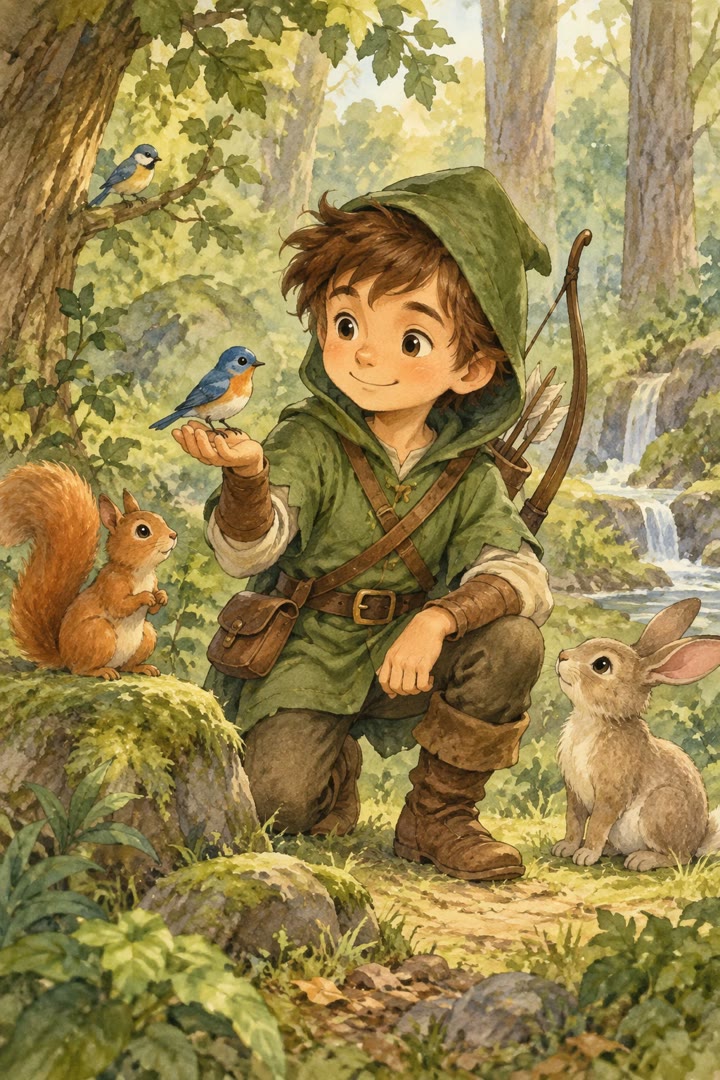
Character, theme, style and constraints are separate labeled blocks, and the plain background shows the character clearly for reuse in later pages. Preview: the Sunburst variant.
Nothing matches. Try a shorter word.
Prefer to learn the craft step by step? The 16 chapter course is here.